Meta's Muse agent reads your site and your analytics never sees it: what marketing teams should measure now
Muse looks human to your tags, but server and CDN logs can tell the difference.
Meta’s Muse agent exposes a gap in how marketing teams measure website traffic. Standard analytics can record its actions without recognizing that an agent, rather than a person, performed them. Retain those visits and use server and CDN logs to identify agent activity, then separate delegated customer intent from signals that distort marketing decisions.
What Muse actually does when it visits your site
Muse is a personal AI agent that browses websites on behalf of a specific user to complete tasks, including booking, shopping and submitting forms. It is not building a search index. Meta’s Muse page describes Muse Secure VM as a persistent, isolated Linux computer with a full browser that the agent and user share. That computer has the storage, CPU and memory to handle real work.
Because Muse runs a real browser, it loads pages, executes JavaScript, uses cookies and triggers analytics tags much as a human-operated browser does. A person’s instruction sends it to a particular page, and it can keep working after that person closes the app. Before sensitive actions such as purchases, it returns for user approval.
Why script-based analytics cannot see Muse traffic
If Muse triggers analytics tags, how can analytics miss it? JavaScript tag-based measurement records the page load or event, but Muse’s full browser makes those events look like ordinary human visits. The tag has fired exactly as designed. What the report cannot establish from that alone is who, or what, performed the action.
As a result, Muse sessions can appear as organic or direct traffic, inflating apparent human session counts and distorting time-on-page and scroll metrics. Form fills and cart additions can also register as conversions without a person directly performing those actions. There may be a real customer behind the instruction, but that is different from a customer reading, scrolling or submitting a form themselves.
This architectural problem arises because a tool built to track browser events gets valid events from a valid browser. Nothing about the successful execution of its tag establishes that the session is human.
What Muse does once it arrives — and why it corrupts marketing data
Muse can move through a customer journey. It reaches product pages, forms, login flows, cart endpoints and payment screens while working toward a user’s goal. That depth makes the classification error consequential. An agent’s visit can resemble the very behavior a marketing team uses to judge purchase interest.
Each interaction can distort a different measure when counted as an ordinary human action. Form submissions inflate lead counts, cart additions distort add-to-cart rates, and payment-flow visits skew funnel conversion data. These requests happened, and the dashboard invites conclusions about human behavior that their presence does not support.
Ad budgets can be optimized on false conversion signals, A/B tests can reach the wrong conclusion, and attribution models can credit the wrong channel. An access policy alone does not resolve this measurement problem. Whether an agent is permitted to browse and how its actions should count are separate questions, especially when it is acting for a genuine customer.
The scale of the problem is not a future concern
Agentic browsers are already a layer of web traffic. Unlike agents that simply fetch content, they act on a user’s behalf and move through tasks. Muse is one instance of that broader category. A measurement approach that treats every browser session as human therefore has a category-level blind spot.
Agentic browser traffic jumped dramatically in a single month, while Muse accumulated tens of millions of requests within its first days of operation. Those requests show how quickly a new agent can establish a substantial presence before site operators have identified it, though they do not count customers or completed purchases. Waiting for familiar-looking analytics reports to reveal the change leaves the central classification problem untouched.
Why server and CDN logs see what analytics misses
Server and CDN logs begin at the HTTP request, before JavaScript executes. They record requests at the infrastructure level independently of page tags. This changes the starting point for measurement. The same layer captures Muse, other agentic browsers and clients that suppress tag execution entirely.
Muse runs almost entirely from Cloudflare and Fastly infrastructure, so CDN logs have IP-range and user-agent signals that can help teams tell automated sessions from the cloud apart from human ones on residential networks. Those signals can be ambiguous. Origin alone is not a verdict.
Logs also expose request rates, session structure, path sequences and the endpoints a session reaches. A sequence that reaches login, cart or payment endpoints shows more of the visit than a page-level engagement report does. When read alongside identity and origin, that behavior can be a sign that an agent is working through a task.
What to look for in logs once you have access to them
For marketing and analytics teams, the practical task is to read three distinct signals together, namely identity, origin and behavior. A bare prefix is a claimed identity that requires verification.
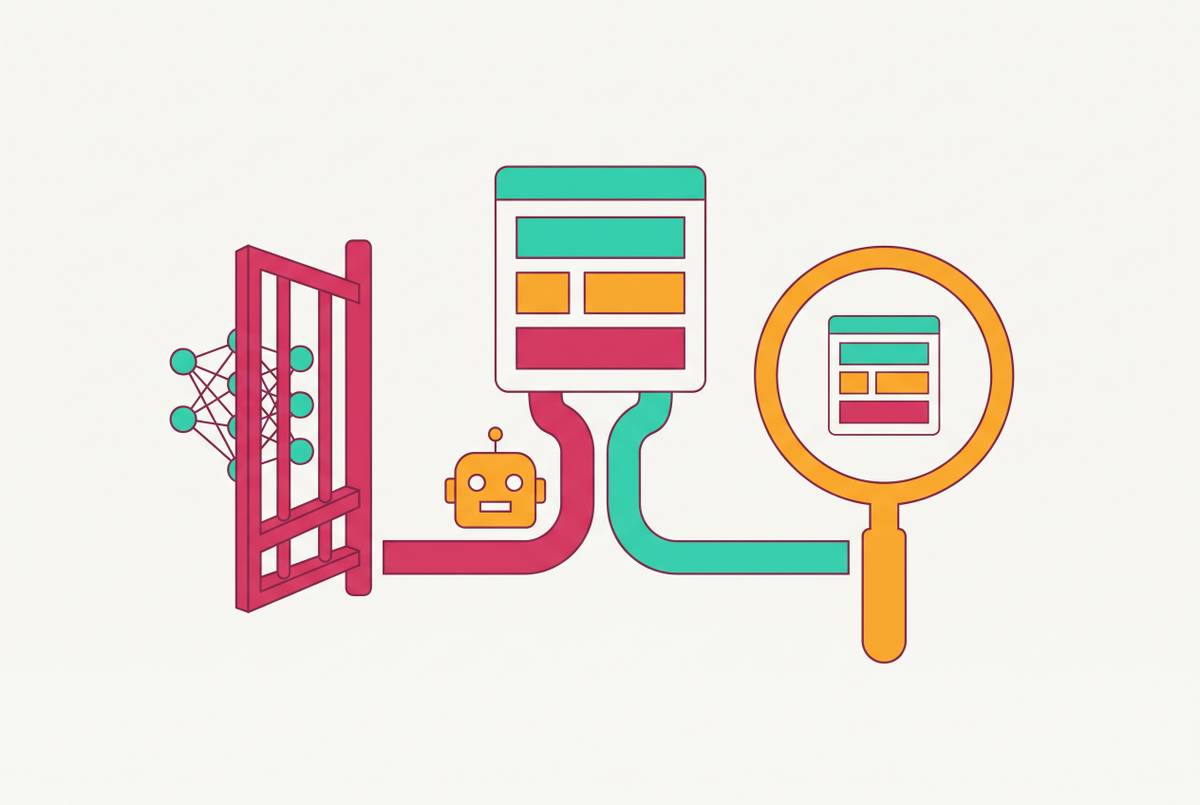
Known training and search crawlers and related agents use names including GPTBot, ClaudeBot, ChatGPT-User, OAI-SearchBot, PerplexityBot, Claude-SearchBot and Amzn-SearchBot. These names can be parsed directly, and the separate user-agents allow independent access decisions. They are distinct labels for different types of AI traffic.
The difficult population uses ordinary Chrome/Windows or Chrome/Linux browser strings while originating from cloud-infrastructure IPs. IP ranges and ASN information help identify that combination. The same source notes a strong US geographic skew, which can help distinguish candidate activity from other cloud-hosted traffic, but geography is only supporting evidence.
A direct route from product page to cart to checkout, or from login to account page to form, differs from exploratory browsing with detours and dead ends. Sensitive endpoints reached within a short elapsed time, without the dwell-time variation of human reading, strengthen the case for agent activity. Background execution provides another clue. A flat request rate across the clock, rather than the daily rhythm of human traffic, supports the classification without proving it on its own.
Separating agent visits that represent genuine purchase intent from ones that corrupt conversion data
A Muse visit can represent a real person’s purchase intent. Someone delegated a task, and the agent is pursuing it. Blocking or discarding that session wholesale can therefore erase useful commercial evidence. Assess both whether the visitor was automated and what outcome the visit produced.
A Muse session that completes a purchase represents a real transaction and should count. By contrast, repeated lead-form submissions during a research task should not inflate lead volume. The same agent can produce valid and invalid marketing signals depending on the endpoint and outcome. Automation alone does not decide the value of an event.
Tag agent-identified sessions in a parallel data layer. That preserves the activity for conversion analysis while keeping it from contaminating human funnel metrics, A/B test results and ad optimization signals. Classification comes before exclusion.
Building a measurement layer that covers both the analytics blind spot and AI citation performance
Agent measurement also connects to a broader question. Is the brand appearing in AI-generated answers, and do those appearances lead people to the site? Standard browser analytics cannot answer that whole question any more than it can reliably identify Muse. Both need data from beyond the browser session, though each needs a different kind of evidence.
The starting layer requires no new tools. Server logs filtered for the named AI user-agents and Muse’s prefix show which pages AI platforms are crawling and which flows agentic browsers are reaching. This supports traffic integrity analysis and provides a signal of citation potential. A crawl is not proof of a citation, however. Request logs show access to the site and leave the text of an AI-generated answer unknown.
GA4 Exploration reports add to this view with filters for session sources that contain perplexity.ai, chatgpt.com and claude.ai. These reports surface downstream referral clicks from people who followed links from AI platforms. A human arriving through a cited link and an agent working through a checkout flow are different populations, even if both have an AI connection.
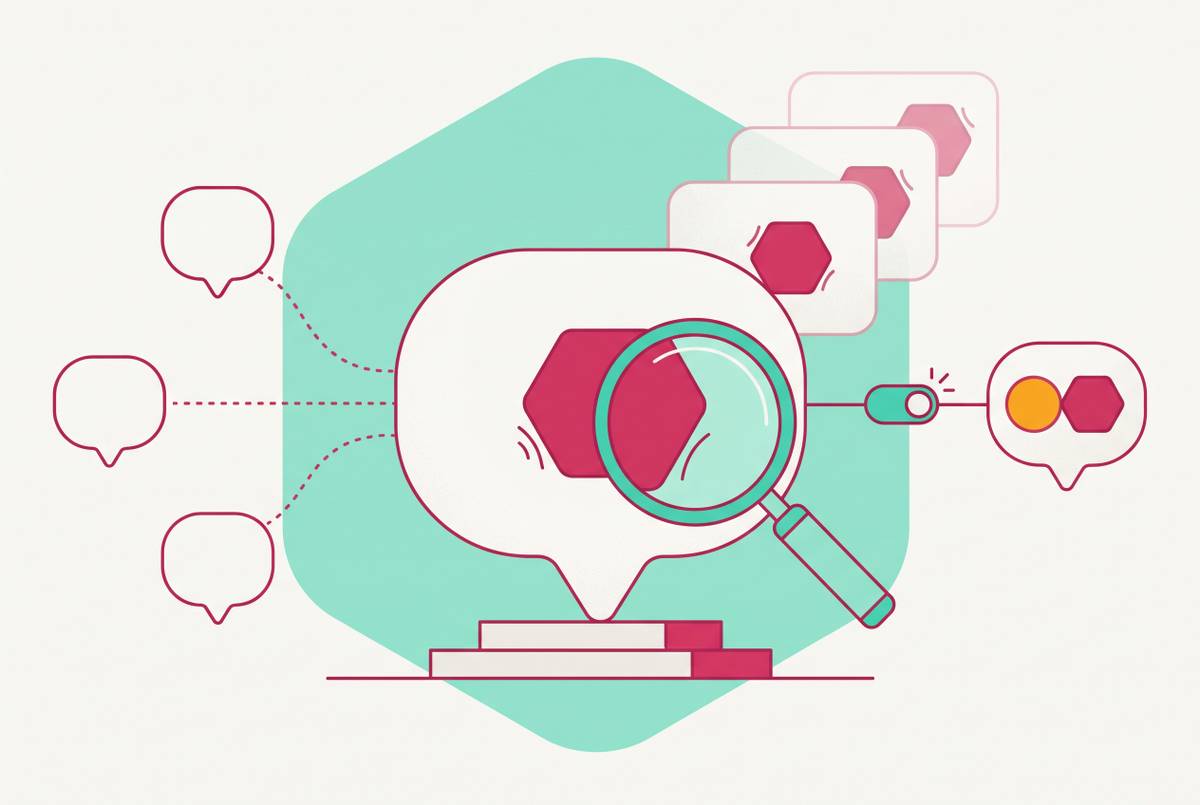
With dedicated AI visibility measurement, teams can track what logs and referral filters cannot show, including citation frequency, brand mention sentiment and share of voice inside AI-generated answers. That view spans ChatGPT, Perplexity, Gemini, Google AI Overviews and Claude. Each has distinct sourcing logic, so measuring only one platform misses part of the picture.
What marketing teams should do this week
Marketing teams should pull server or CDN logs for a recent period and look for the Muse prefix, known AI crawler user-agent strings, and browser-like sessions originating from Cloudflare and Fastly ASNs. Reading those signals together provides the fastest starting picture of candidate agent volume and the endpoints it reaches.
Once that activity is visible, the next priority is separation. Teams should create a parallel segment for sessions identified as agent-originated, preserving the data. The immediate goal is to stop those sessions flowing unchecked into conversion metrics, A/B test populations and ad optimization signals. Teams can still study valid transactions while judging repeated or misleading actions along the way in light of what the agent was doing.
Once teams have picked out agent sessions, they should separate AI-referred human traffic with the GA4 Exploration source filters described above. That answers a different question from log analysis. It shows people arriving through AI-platform links, rather than agents visiting to complete delegated tasks. Making that distinction before adding more citation measurement keeps teams from using AI referral as a label for unrelated activity.
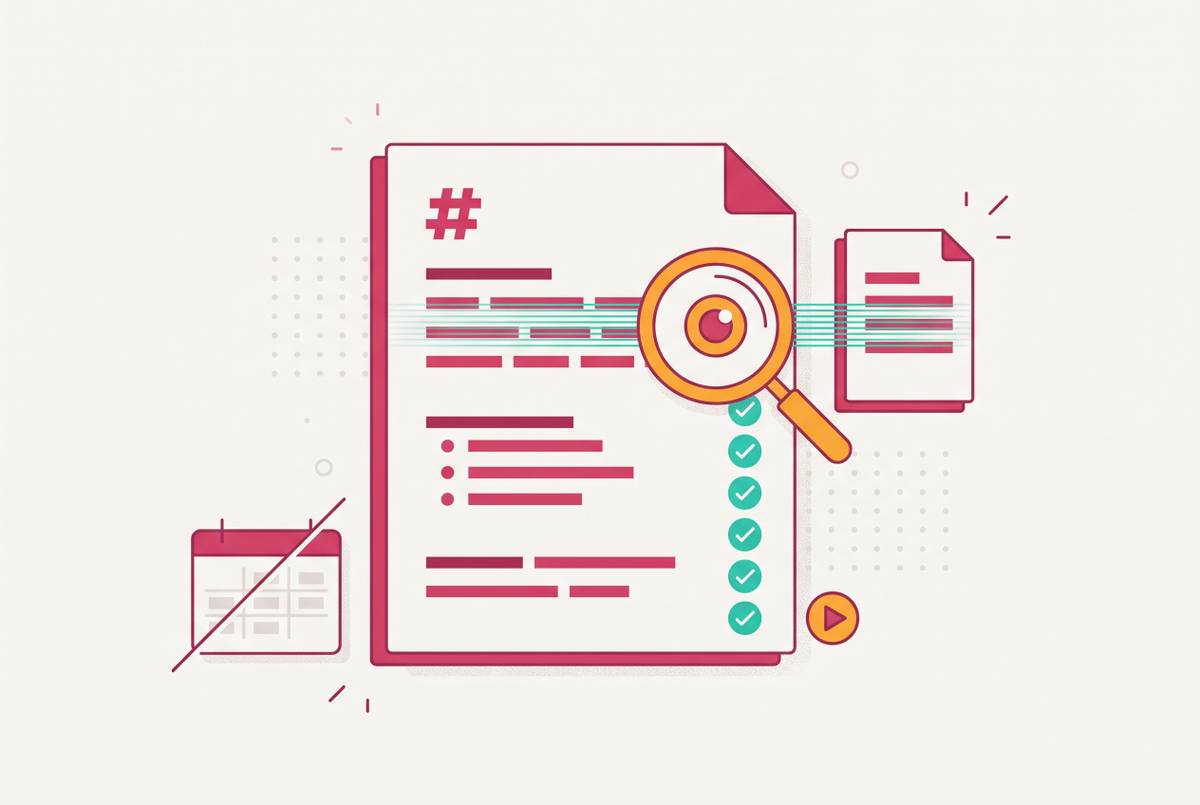
The next low-cost step is to check Microsoft Bing Webmaster Tools for the AI Performance Report if the site has an active property. The report is free, in public preview, and provides page-level citation data without additional tooling. Teams should then assess whether their content is extractable by AI answer engines. Answer-first structure, clear headings and quotable passages give agents and answer engines usable source material, while a point buried under preamble is harder to extract.
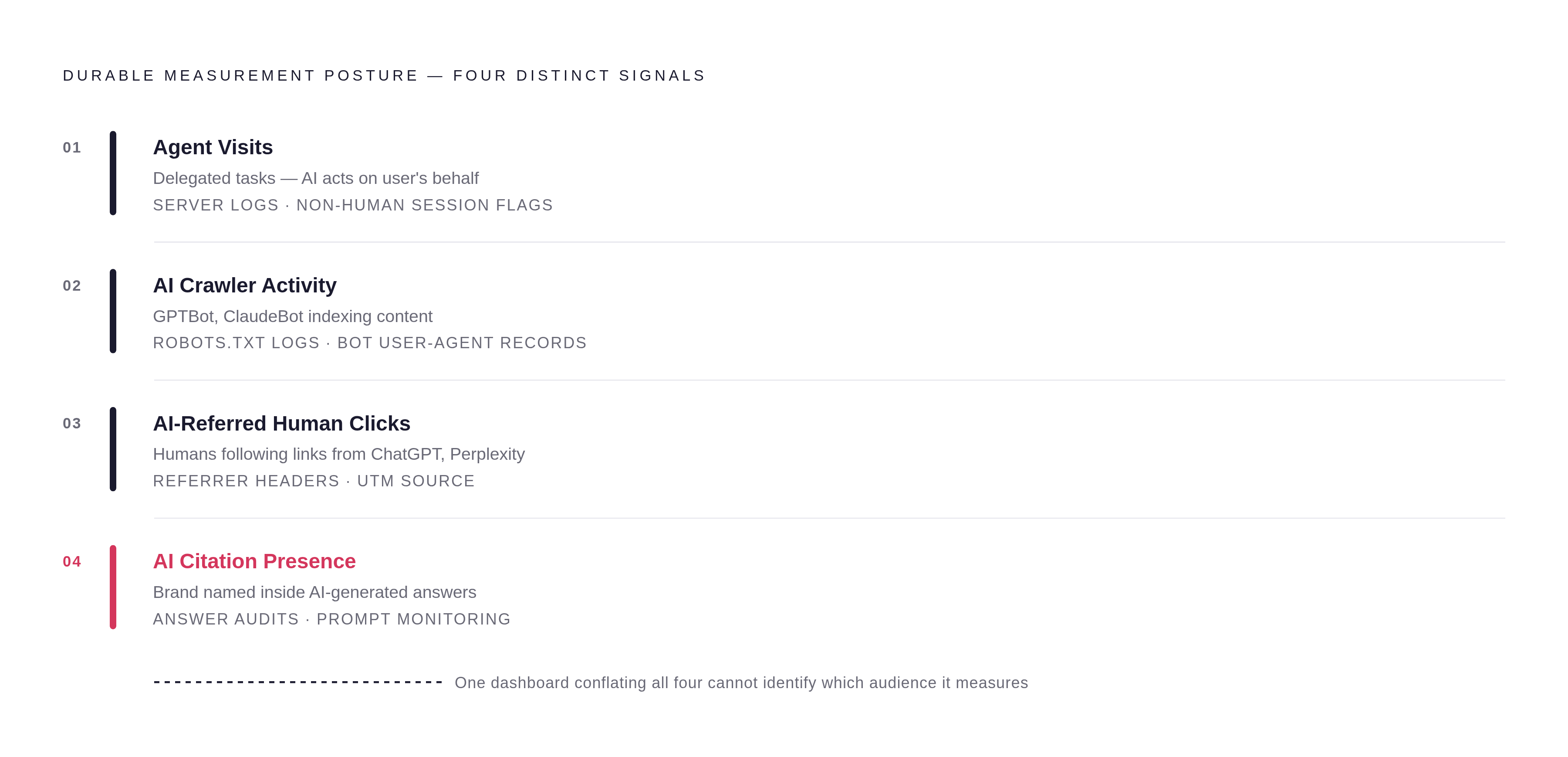
The durable measurement posture is to keep four signals distinct. Agent visits show delegated activity, AI crawler activity shows content access, AI-referred human clicks show people following links, and AI citation presence shows visibility inside answers. Each needs its own measurement approach. A single dashboard that conflates them cannot tell a marketing team which kind of audience it is actually measuring.